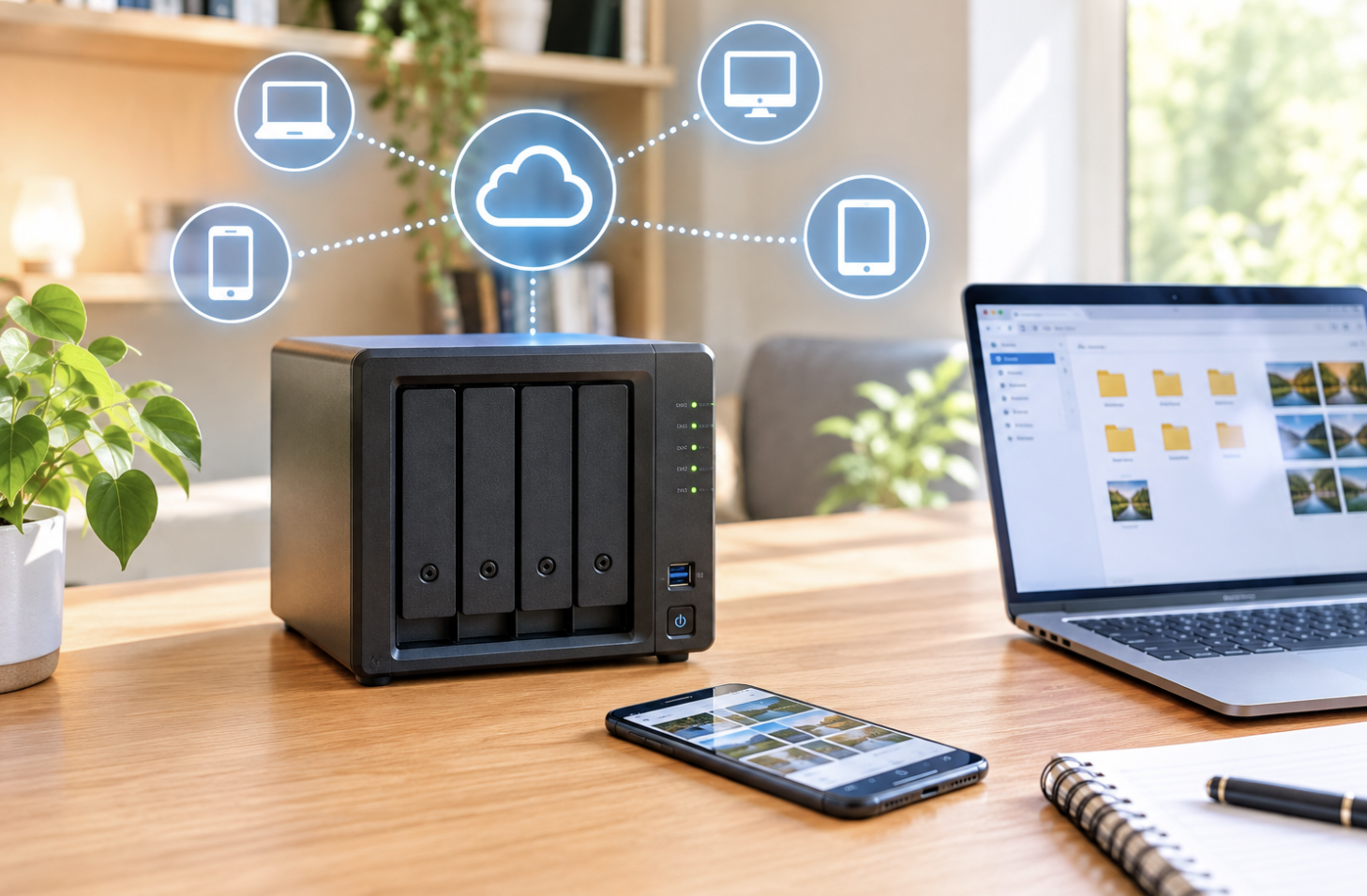
James had photos scattered across three old laptops, a handful of external hard drives in a desk drawer, and a growing sense of dread every time one of those drives made an unfamiliar clicking sound. A friend suggested a network-attached storage device, something he’d vaguely heard of but assumed was overkill for a home setup. Six months and one consolidated, automatically backed-up photo library later, he’s become the same friend recommending it to everyone else with a drawer full of orphaned hard drives.
What a NAS Device Is
A network-attached storage device, commonly called a NAS, is a dedicated small computer built specifically to store and serve files across a home or office network, accessible from any connected device rather than being tied to a single computer. Unlike a simple external hard drive plugged into one machine, a NAS operates independently on the network, running its own lightweight operating system that manages file storage, user permissions, backups, and often a range of additional applications, all accessible from phones, tablets, and computers throughout the household.
Core Benefits That Distinguish a NAS From External Drives
The appeal of a NAS over a collection of external drives comes down to centralization, redundancy, and accessibility working together as a coordinated system rather than scattered, individually managed storage.
- Centralized storage accessible from every device on the network, rather than tied to whichever computer a drive is plugged into
- Built-in redundancy through multiple drives configured to protect against a single drive failure destroying data
- Remote access capability, allowing file access from outside the home network when configured for it
- Automated backup scheduling that runs consistently without requiring someone to remember to manually back up files
This combination addresses the most common way home users lose important data: a single external drive failing without any backup existing elsewhere, something a properly configured NAS with redundant drives is specifically designed to prevent.
RAID Configurations and Why They Matter for a NAS
Most NAS devices support RAID configurations, a system for arranging multiple physical drives to provide either improved performance, data redundancy, or both, and understanding the basic options helps in choosing the right setup.
- RAID 1 mirrors data across two drives, so a single drive failure doesn’t result in data loss, at the cost of using only half the total raw storage capacity
- RAID 5 and RAID 6 spread data and redundancy information across three or more drives, offering a better balance of usable capacity and failure protection
- RAID 0 stripes data across drives purely for speed, offering no redundancy at all and increasing overall failure risk
- Higher-end NAS systems sometimes offer proprietary hybrid RAID options balancing flexibility and protection differently than standard RAID levels
It’s worth emphasizing clearly that RAID redundancy is not the same thing as a backup. RAID protects against a drive failure, but it doesn’t protect against accidental deletion, ransomware, theft, or fire, which is why a resilient storage strategy still includes backups separate from the NAS itself, ideally stored in a different physical location entirely.
Choosing the Right Number of Drive Bays
NAS devices come in a range of sizes, typically described by how many drive bays they include, and choosing the right number matters both for current needs and future expansion.
- A two-bay NAS suits basic home use with simple mirrored redundancy, at a lower cost than larger systems
- A four-bay NAS offers more flexibility in RAID configuration and more total storage capacity for growing needs
- Larger NAS systems, with six or more bays, suit power users, small businesses, or anyone planning for substantial long-term storage growth
- Leaving room for future drive additions, rather than filling every bay immediately, allows storage capacity to grow without a full system replacement
Buying more bays than immediately needed is a common recommendation among experienced NAS users, since storage needs reliably grow over time, and starting with unused capacity avoids the more disruptive process of migrating an entire existing setup to a larger system later.
Beyond File Storage: What Else a Modern NAS Can Do
Contemporary NAS devices have evolved well beyond simple file storage, often running a full application ecosystem that turns the device into a versatile home server.
- Media server applications that stream movies, music, and photos directly to smart TVs, phones, and streaming devices
- Automated backup destinations for computers and phones throughout a household, replacing several separate backup solutions
- Surveillance camera recording and management software for households with home security cameras
- Lightweight virtual machines and containerized applications for more technically inclined users wanting additional home server capabilities
This expanded functionality is part of why NAS devices have grown in popularity well beyond their original niche IT audience, since a single device can now replace what used to require several separate specialized systems scattered around a home network.
Setting Up Remote Access Safely
Accessing NAS files from outside the home network is one of the most valued features, but it also introduces security considerations that deserve careful attention rather than a quick, default setup.
- Using a NAS manufacturer’s official remote access application, which typically handles secure connection setup more safely than manual configuration
- Enabling two-factor authentication on NAS accounts, important given the sensitive personal data often stored on these devices
- Keeping NAS firmware and applications updated regularly, since outdated NAS software has historically been a target for security vulnerabilities
- Avoiding direct port forwarding configurations unless you fully understand the associated security implications
NAS devices exposed carelessly to the internet have been targeted by ransomware and other attacks in the past, making security configuration a important step rather than an optional afterthought, especially for a device storing years of irreplaceable family photos and important documents.
Comparing Pre-Built NAS Systems to DIY Builds
Buyers face a choice between purchasing a pre-built NAS from an established manufacturer or building a custom system using general-purpose hardware and NAS-focused software.
- Pre-built systems offer simpler setup, established support, and a more polished user interface for less technically confident users
- DIY builds using standard computer hardware can offer more raw performance and storage flexibility per dollar spent
- Pre-built systems generally consume less power and run quieter, since they’re specifically engineered for always-on operation
- DIY builds require more technical comfort with hardware assembly and open-source or community-supported NAS operating systems
Most home users are better served by a pre-built system’s simplicity and support, while more technically inclined users with specific performance or customization needs sometimes find a DIY build offers better value for the same budget, provided they’re comfortable with the additional setup complexity involved.
Choosing the Right Hard Drives for a NAS Specifically
Not every hard drive is suited to the always-on, continuous operation a NAS requires, and choosing the wrong type of drive is a common mistake that can lead to premature failure and unnecessary data loss risk.
- NAS-specific drives are engineered for 24/7 operation, vibration resistance from multiple drives in the same enclosure, and NAS firmware compatibility
- Standard desktop hard drives aren’t designed for continuous operation and can fail more quickly under sustained NAS workloads
- Drive manufacturers typically offer a specific product line marketed explicitly for NAS use, usually at a modest price premium over standard drives
- Checking a manufacturer’s specific workload rating and warranty terms helps confirm a drive is suited to continuous NAS operation
This distinction is easy to overlook when shopping primarily by price or capacity, but using drives not rated for continuous operation is one of the more common, avoidable causes of premature NAS drive failure among less experienced buyers setting up their first system.
Planning for Storage Growth Over Time
A NAS purchased today should ideally account for storage needs several years into the future, since data volumes, photos and videos, tend to grow faster than most people initially expect.
- Photo and video file sizes have grown substantially as camera and phone sensor resolutions have increased over recent years
- Starting with some unused drive bay capacity allows expansion without a disruptive full system replacement later
- Some NAS systems support online capacity expansion, allowing larger drives to be added without taking the system offline
- Estimating growth based on actual historical data accumulation, rather than current usage alone, produces a more realistic long-term capacity plan
Underestimating future storage needs is one of the more common regrets among NAS owners, and starting with a system that has room to grow, even if it means initially populating only some of the available drive bays, tends to be a better long-term strategy than buying exactly what’s needed today.
Real-World Examples of NAS Use Beyond Personal Photos
While personal photo and file backup is the most common home NAS use case, a growing range of additional applications have made these devices more versatile than their original file-storage-only purpose.
- Small businesses using a NAS as an affordable, centralized file server without the cost of dedicated enterprise infrastructure
- Home labs and hobbyist developers using a NAS to host personal websites, development environments, or self-hosted applications
- Families using a NAS as a centralized media library, replacing multiple streaming subscriptions for content they already own
- Content creators using a NAS as a collaborative storage hub for large video and creative project files shared among a team
This versatility is part of why NAS adoption has expanded well beyond its original enthusiast and small-business niche, into a broader range of households and use cases that simply want more control and centralization over their growing digital file collections.
Energy Consumption and Running Costs Over Time
A NAS runs continuously, unlike an external drive only powered when actively connected, and this always-on operation carries an ongoing electricity cost worth factoring into the total cost of ownership.
- Most consumer NAS devices are designed for reasonably low continuous power consumption, though this varies by number of drives and processing power
- Multiple-drive systems consume more power than a single or dual-drive basic setup
- Some NAS systems include drive spin-down features that reduce power consumption during periods of inactivity
- Calculating approximate annual electricity cost based on a device’s power rating provides a more complete picture of total ownership cost
This ongoing cost is relatively modest compared to the upfront hardware investment, but it’s a consideration worth including when comparing a NAS’s total cost against cloud storage subscription alternatives over a multi-year ownership period.
How a NAS Fits Into a Broader Home Backup Strategy
A NAS works best as one component of a broader, layered backup strategy rather than a single point of storage responsible for protecting every important file a household owns.
- The commonly recommended approach maintains at least three copies of important data across two different storage types, with one copy stored off-site
- A NAS with RAID redundancy typically serves as the primary, convenient local copy in this broader strategy
- Cloud backup services or a secondary NAS at a different physical location can serve as the off-site component of this approach
- Regularly testing that backups restore correctly is as important as the backup process itself, since untested backups sometimes fail silently
Treating a NAS as the complete backup solution on its own, rather than one layer within this broader strategy, leaves households vulnerable to scenarios like fire, theft, or flooding that could affect the NAS and its local backups simultaneously.
Choosing Between Consumer and Prosumer NAS Tiers
NAS manufacturers typically segment their product lines into consumer and more advanced prosumer or business tiers, and understanding the practical differences helps buyers avoid both overspending and underbuying relative to actual needs.
- Consumer tiers prioritize simplicity and ease of setup, suited to typical home file storage and media serving needs
- Prosumer and business tiers offer more processing power, expansion options, and advanced features suited to heavier workloads
- Small businesses or serious home lab users often find prosumer tiers justify their added cost through performance and flexibility gains
- Most typical households are well served by consumer-tier systems without needing the additional cost of prosumer-focused features
Final Thoughts
A NAS device solves a problem that scattered external drives never quite manage to: centralized, redundant, consistently backed-up storage that the whole household can access without hunting through a drawer of mismatched drives. The upfront setup investment, both financial and in learning the basics of RAID and network configuration, pays off the first time a drive fails and the data simply isn’t at risk, exactly the scenario a good NAS setup is specifically designed to prevent.
Frequently Asked Questions
How much storage capacity do I need for a home NAS?
This depends heavily on what you’re storing, but a reasonable starting point for a household with photos, videos, and general document backups is somewhere between 4 and 8 terabytes of usable capacity after accounting for RAID redundancy, with room to expand as needs grow over time.
Can a NAS replace cloud storage services entirely?
A NAS can replace many cloud storage use cases and often works out more cost-effective over time for large amounts of data, but it doesn’t offer the same off-site disaster protection a cloud service provides unless paired with an additional off-site backup strategy, which many experienced users maintain alongside their NAS.
How loud are NAS devices during normal operation?
Most consumer NAS devices are designed to run quietly, often placed in a home office or media closet without being disruptive. Noise levels vary by model and the number of drives installed, with larger systems and higher-performance drives generally producing more noise than compact, lower-capacity setups.
What happens if a drive fails in a NAS with RAID redundancy?
With proper RAID redundancy configured, a single drive failure typically doesn’t result in data loss. The NAS continues operating using the remaining drives, and replacing the failed drive triggers a rebuild process that restores full redundancy, though this process can take a considerable amount of time depending on the amount of data involved.
Do I need technical expertise to set up and maintain a NAS?
Modern consumer NAS systems have simplified initial setup through guided wizards and intuitive interfaces, making basic setup accessible to most users comfortable with general home networking. More advanced features, like custom applications or complex network configurations, do benefit from additional technical comfort.
How much does a basic home NAS setup typically cost?
A basic two-bay NAS enclosure typically costs a few hundred dollars, not including the hard drives themselves, which represent a significant additional cost depending on total desired capacity. A complete basic setup with drives included often falls somewhere between four hundred and eight hundred dollars for a household’s first NAS system.