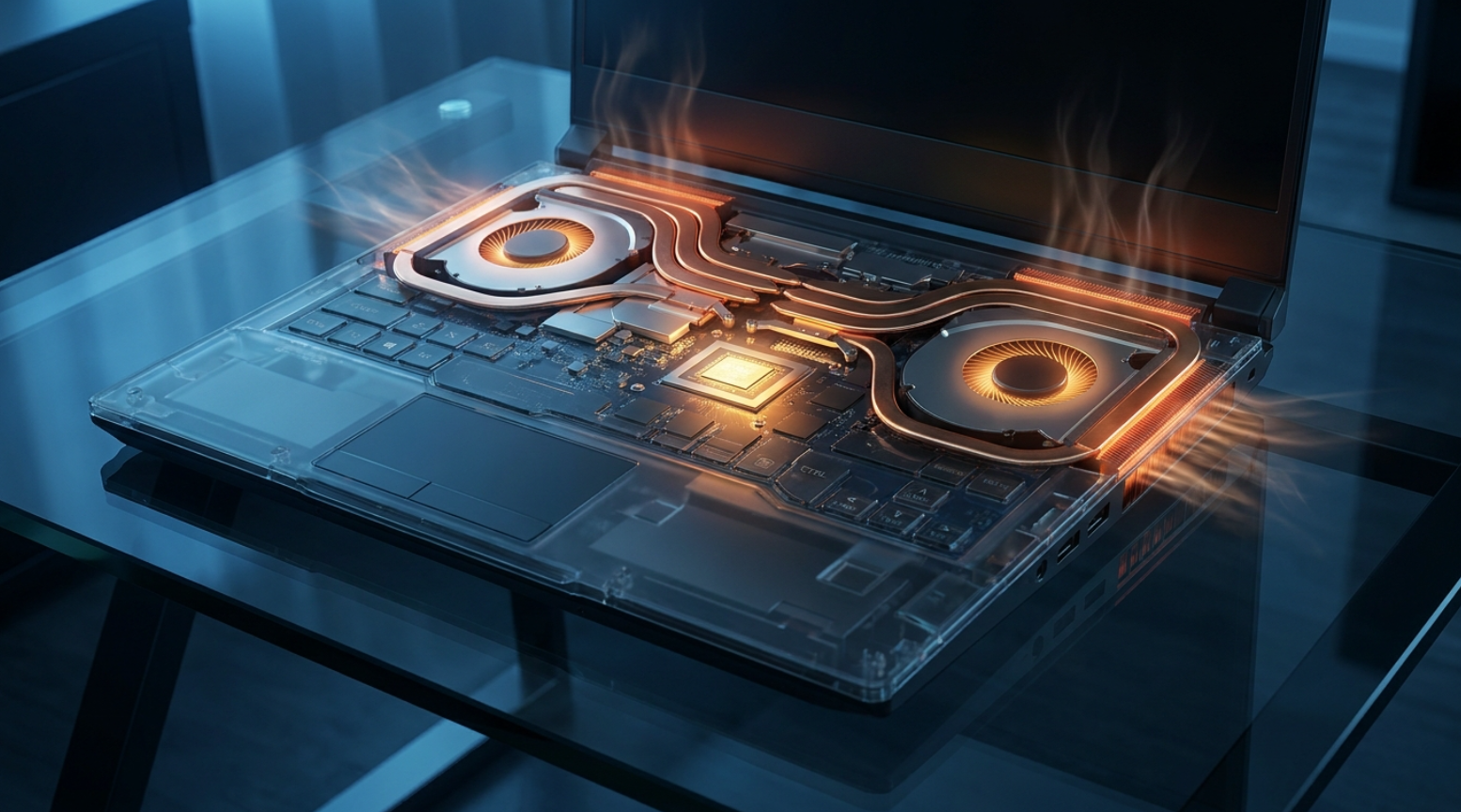
A video editor working on a MacBook Air in a coffee shop renders a timeline of 4K footage for several minutes straight, and the laptop never makes a sound. There’s no whirring fan spinning up, no vent blowing warm air across the table, just a slim aluminum shell quietly doing the work that would have sent an equivalent Windows laptop’s cooling fans into a noisy frenzy a few years earlier.
Apple’s shift to its own silicon didn’t just improve battery life and performance, it made fanless design practical for a mainstream laptop in a way that felt almost impossible during the Intel era, and that shift has pushed the rest of the industry, from Windows PC makers to phone manufacturers, to take passive cooling seriously again after years of treating it as a compromise reserved for underpowered budget hardware.
Heat Dissipation Without Moving Parts
Every processor generates heat as a direct byproduct of doing computational work, and that heat has to go somewhere or the chip will throttle its own performance to avoid damage, a self-protective mechanism built into virtually every modern processor. Traditional cooling solutions use a fan to actively move air across a heatsink, carrying heat away from the chip and out of the device, which works well but introduces noise, moving parts that can wear out or fail, and dust intake that gradually degrades cooling performance over years of use.
Passive cooling skips the fan entirely, relying instead on heatsinks, heat spreaders, and the device’s own chassis to dissipate heat through natural convection and conduction rather than forced airflow. The approach depends on a few physical principles working together:
- Thermal conduction: heat moves from the hot processor into a metal heat spreader or heat pipe, which is far more thermally conductive than plastic or air alone.
- Surface area maximization: a larger metal chassis surface radiates heat into the surrounding air more effectively than a small, enclosed plastic shell could manage.
- Natural convection: warm air naturally rises and moves away from a heated surface, carrying heat away gradually even without a fan forcing the process.
- Thermal mass: some designs use a chassis with enough material mass to absorb heat during brief bursts of high processor activity, buying time before that heat needs to dissipate.
Why Chip Efficiency Changed the Equation
The biggest reason fanless design has become viable again for mainstream laptops and phones isn’t clever mechanical engineering alone, it’s that modern processors generate far less heat per unit of computing performance than their predecessors did just a few years ago. Apple’s M-series chips, built on advanced manufacturing processes and an architecture optimized specifically for performance per watt rather than raw clock speed, run cool enough under typical workloads that a well-designed aluminum chassis can dissipate the heat without any active airflow at all.
This efficiency gain traces back largely to the same ARM-based chip architecture that has long dominated smartphones, where battery life and thermal constraints made efficient design a requirement from the start rather than an afterthought. As Apple, Qualcomm, and other chipmakers have scaled that architecture up to laptop-class performance, the thermal headroom that used to demand active cooling has shrunk by a wide margin for many everyday workloads, even though truly sustained heavy tasks like long video exports still benefit from a fan when one is available.
Where Fanless Design Shows Up Today
Passive cooling has moved well beyond niche ultraportables into a real product category spanning multiple device types. The MacBook Air remains the most recognizable mainstream example, but it’s far from the only one, and the approach shows up across a range of devices where quiet operation and thin form factors matter more than sustained maximum performance.
- Ultraportable laptops: the MacBook Air and several ARM-based Windows laptops now ship fanless, relying on efficient chip architecture rather than active airflow.
- Smartphones and tablets: virtually every phone on the market uses passive cooling exclusively, since a fan has never been practical in a device that thin.
- Fanless mini PCs: small form-factor desktop computers aimed at digital signage, home theater use, or industrial applications where silence and reliability both matter.
- Rugged and industrial devices: equipment deployed in dusty or harsh environments benefits from having no fan intake that could draw in contaminants over time.
Chassis Materials and Heat Pipe Engineering
The physical engineering behind fanless cooling has advanced a great deal alongside chip efficiency, and the materials chosen for a device’s chassis matter as much as the processor generating the heat in the first place. Aluminum has become the dominant choice for premium fanless laptops specifically because of its favorable combination of thermal conductivity, weight, and manufacturing cost, letting the entire chassis function as an oversized heatsink rather than relying on a small internal cooling assembly alone.
Heat pipes, sealed copper tubes containing a small amount of fluid that evaporates and condenses to move heat efficiently across a distance, remain common even in fanless designs, carrying heat from the processor to a larger area of the chassis where it can dissipate into the surrounding air more effectively. Graphite sheets have also become a popular addition in thinner devices like phones and tablets, spreading heat laterally across a wide, thin area to avoid dangerous hot spots concentrated directly above the processor, a problem that becomes more pronounced as devices get thinner and internal volume for traditional cooling components shrinks.
Vapor chambers, a more advanced variant of the same heat-pipe principle spread across a flat plane instead of a narrow tube, have also started appearing in flagship phones, offering better heat spreading across a wide, thin area than a simple graphite sheet alone can manage.
Performance Trade-Offs Buyers Should Weigh
Fanless design isn’t free of compromise, and the marketing enthusiasm around silent operation sometimes glosses over the real performance trade-offs a buyer accepts by choosing a passively cooled device. Sustained heavy workloads, like exporting a long video file, running a complex 3D render, or compiling a large software project repeatedly, generate more heat over time than a fanless chassis can dissipate as quickly as an actively cooled equivalent, leading to thermal throttling that reduces clock speed to keep temperatures within safe limits.
- Burst performance: fanless devices generally handle short, intensive tasks well, since the chassis’s thermal mass absorbs heat before it needs to fully dissipate.
- Sustained performance: extended heavy workloads reveal the gap most clearly, with fanless devices throttling sooner than actively cooled competitors running the same chip.
- Ambient temperature sensitivity: a fanless device performs noticeably worse in a hot room or direct sunlight, since it has no way to actively pull in cooler air.
- Chassis material impact: a plastic-bodied fanless device throttles faster than an equivalent aluminum design, since plastic conducts heat far less efficiently.
Buyers doing occasional bursts of demanding work, like editing short video clips or running the occasional intensive application, rarely notice a real difference, while professionals running sustained render jobs for hours at a time typically still prefer an actively cooled machine that can maintain peak performance for longer stretches.
Benchmark reviews have become a more reliable guide than spec sheets for gauging this gap, since two laptops built around the same processor can post nearly identical scores on a short synthetic benchmark while diverging sharply once a reviewer runs a repeated, back-to-back stress test that better simulates hours of continuous heavy use. Readers comparing a fanless and a fan-equipped model built on the same chip should look specifically for sustained performance charts rather than single-run scores, since the single-run number tends to flatter fanless devices in ways that don’t hold up once thermal throttling has fully kicked in.
Fanless Versus Actively Cooled Devices
Choosing between a fanless and a fan-equipped device increasingly comes down to matching the cooling approach to actual usage patterns rather than assuming one is simply better than the other. A fanless MacBook Air and a fan-equipped MacBook Pro built on the same chip family illustrate the trade-off clearly: both handle everyday productivity tasks, web browsing, and document editing identically well, but the Pro maintains higher sustained performance under prolonged heavy load specifically because its fan can move heat out of the chassis faster than passive convection alone ever could.
The silence and reliability benefits of fanless design carry real weight for plenty of buyers regardless of the performance trade-off. No moving parts means nothing to wear out mechanically over years of use, no dust accumulation inside a fan assembly that gradually reduces cooling effectiveness, and no fan noise interrupting a quiet office, a recording session, or a video call. For users whose workloads rarely push a laptop into sustained maximum performance territory, that trade-off tips clearly in favor of going fanless.
Manufacturing and Design Constraints
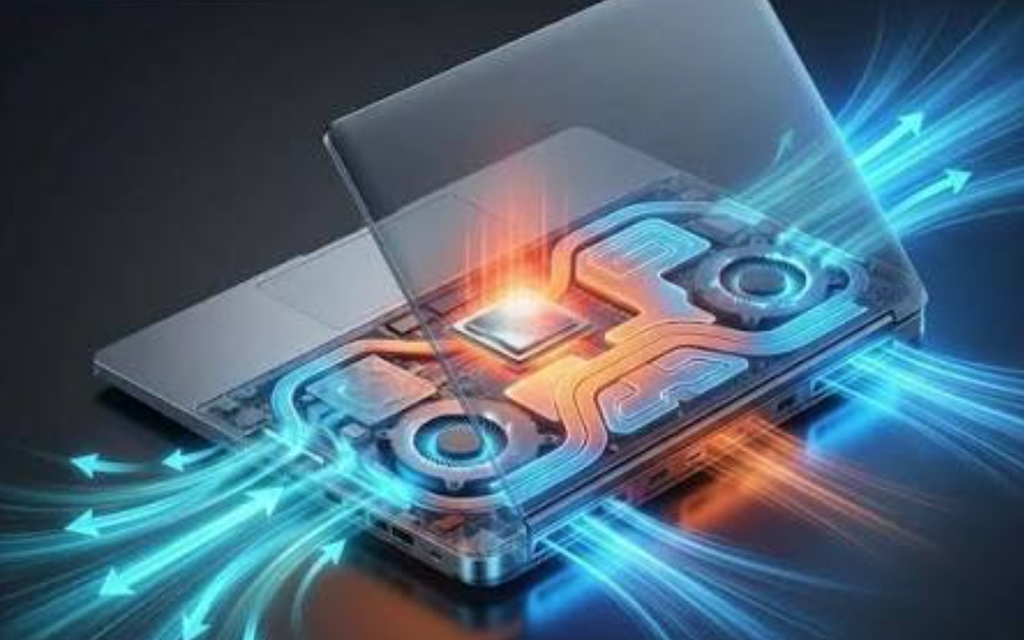
Building a device that manages heat well without a fan takes a different design philosophy than simply removing a fan from an existing actively cooled design and hoping the chassis handles the difference. Engineers have to account for thermal dissipation from the earliest stages of a device’s design, choosing chassis materials, internal component placement, and even screen brightness limits with heat management as a core constraint rather than an afterthought handled by a cooling fan bolted on later.
Component placement matters more in a fanless design than buyers might expect, since heat-generating parts need to sit close to the largest available metal surface for efficient conduction, sometimes forcing trade-offs in battery size or port placement that a fan-cooled design wouldn’t need to make. Manufacturers producing fanless products, from Apple’s laptop division to smaller companies making fanless mini PCs for industrial use, have converged on similar engineering solutions, aluminum unibody or finned chassis designs, internal heat spreaders, and careful component layout, because the underlying physics leaves relatively few alternative paths to solving the same heat dissipation problem well.
Testing and validation also take longer for a fanless product than for a comparable fan-cooled design, since engineers have to verify thermal behavior across a much wider range of ambient conditions and usage patterns without the safety net a fan provides for correcting a design miscalculation late in development. A cooling mistake that a fan could simply compensate for by spinning faster becomes a much harder problem to fix after the fact in a fanless product, since the chassis geometry and internal layout are largely locked in by the time thermal issues surface in real-world testing, which pushes fanless product teams toward more conservative, well-validated designs rather than aggressive last-minute changes.
Software’s Role in Managing Heat
Hardware design isn’t the only lever manufacturers pull to make fanless devices work well, and software-level thermal management has become just as important as the physical chassis in determining how a passively cooled device behaves in practice under load. Operating systems and chip firmware constantly monitor internal temperature sensors, adjusting clock speed, background task scheduling, and even screen brightness dynamically to keep a device within safe thermal limits without the user ever noticing the adjustments happening in real time.
Apple’s macOS and iOS both include sophisticated thermal management systems that prioritize which processes get full performance access based on current chassis temperature, pushing background tasks like photo syncing or software updates to cooler moments rather than letting them compete with an active foreground task for the same limited thermal budget. A few software techniques show up consistently across fanless devices from different manufacturers:
- Dynamic clock scaling: reducing processor speed incrementally as temperature rises, rather than an abrupt full throttle that would create a jarring performance drop.
- Task scheduling awareness: deferring non-urgent background processes to periods of lower thermal load, keeping foreground performance more consistent.
- Predictive workload management: some systems anticipate sustained heavy tasks, like video export, and proactively adjust performance targets before temperature becomes a limiting factor.
- User-facing thermal indicators: a small number of devices now surface thermal state directly to users, showing why performance might dip during an unusually demanding task.
This software layer matters because two fanless devices with nearly identical hardware can behave quite differently under sustained load depending on how aggressively or conservatively their thermal management software is tuned, which is part of why real-world reviews and benchmarks matter more than raw chip specifications when evaluating a fanless device’s practical performance ceiling.
Final Thoughts
Passive cooling went from a niche compromise reserved for underpowered ultraportables to a mainstream option precisely because chip efficiency finally caught up to what a well-designed chassis can dissipate without any moving parts at all. The trade-offs are real and worth weighing honestly: sustained heavy workloads still favor an actively cooled machine, and buyers who regularly push a device to its performance limits for extended periods should keep that in mind before choosing silence over sustained speed.
For the much larger group of people whose daily computing rarely demands that kind of sustained load, though, a fanless device now delivers a quieter, more reliable experience without the performance compromises that used to define the category. That balance, once a hard trade-off, has become a much easier decision than it used to be.
Frequently Asked Questions
Do fanless laptops overheat during normal use?
Not typically, since modern fanless laptops are engineered specifically around the heat output of their chosen processor for everyday tasks like browsing, writing, and light multitasking. Overheating concerns mostly apply to sustained, demanding workloads that exceed what the chassis was designed to dissipate over an extended period.
Is a fanless phone or laptop always slower than one with a fan?
Not for typical tasks, since most everyday computing work doesn’t generate enough sustained heat to trigger meaningful throttling on a well-designed fanless device. The performance gap becomes more noticeable during long, demanding workloads like video exports or extended gaming sessions.
Why don’t all laptops use passive cooling if it’s quieter and more reliable?
Passive cooling works best with efficient processors that don’t generate excessive heat under sustained load, which limits it to certain chip architectures and performance tiers. Laptops built for high-performance tasks like gaming or professional video editing still need active cooling to sustain peak performance for extended periods.
Does dust affect fanless devices the way it affects fans?
Less so, since there’s no fan intake actively drawing dust and debris into the device over time, which is one of the reliability advantages of passive cooling in dusty or industrial environments. Some dust can still settle on external vents or chassis surfaces, but it doesn’t accumulate inside moving parts the way it does in a fan-cooled system.
Can a fanless laptop handle gaming?
Light or older games generally run fine, but demanding modern titles typically push a fanless device into thermal throttling faster than an actively cooled gaming laptop built around the same performance tier. Serious gaming remains one of the clearest use cases where active cooling still holds a real advantage.
How did Apple make fanless laptops mainstream again?
Apple’s shift to its own ARM-based silicon delivered a significant jump in performance per watt compared to the Intel chips used previously, generating far less heat for comparable everyday performance. That efficiency gain, combined with an aluminum chassis engineered specifically around passive heat dissipation, let the MacBook Air return to a fully fanless design without the compromises earlier fanless attempts required.