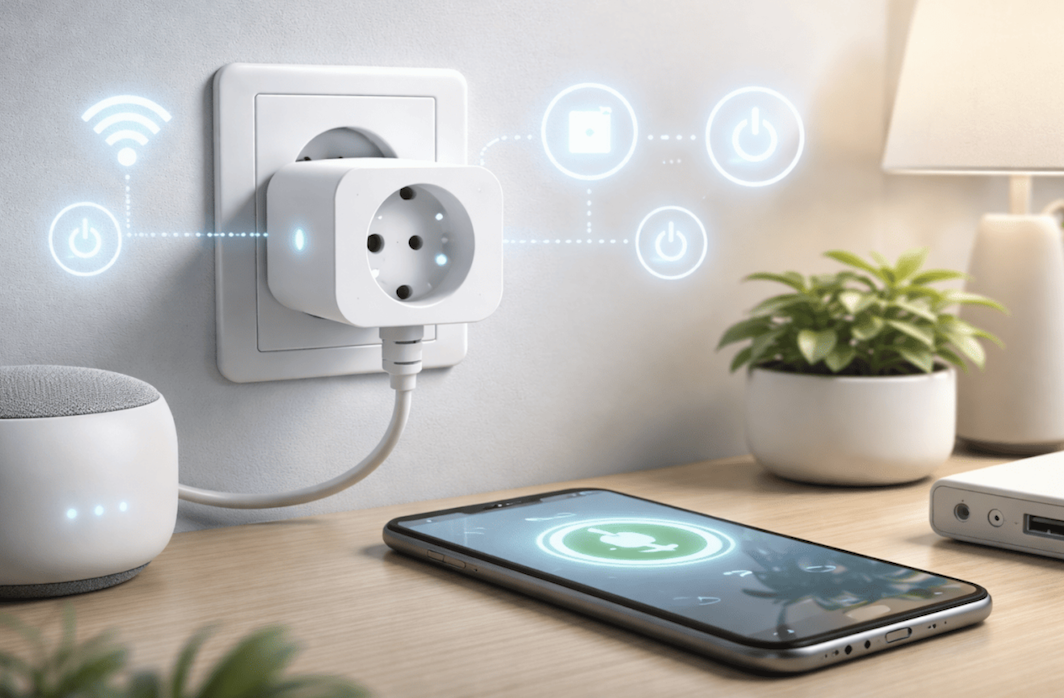
Few smart home products offer as much practical value for as little upfront cost as a smart plug, a small adapter that slots between a wall outlet and an ordinary lamp, fan, or appliance to give it remote control and scheduling ability without replacing the device itself.
For anyone curious about home automation but hesitant to commit to a full smart home overhaul, a smart plug represents a low-risk entry point that can turn an old coffee maker or a simple table lamp into something schedulable, voice-controlled, and monitored for energy use.
Setup Steps for a First Smart Plug
Getting a smart plug running typically takes only a few minutes, though the exact process varies slightly by brand and by which smart home ecosystem a household already uses. Most plugs require downloading a companion app, creating an account, and connecting the plug to a home Wi-Fi network, usually over the 2.4 gigahertz band rather than the faster 5 gigahertz band many routers also broadcast, since most smart plugs use only the older, longer-range band for its wider compatibility and lower power needs.
Naming each plug clearly during setup, using a location or device name rather than a generic default label, pays off substantially once a household has several plugs installed throughout different rooms. A plug simply labeled “Plug 3” becomes a small daily annoyance when trying to remember which lamp or appliance it controls, while a plug named “Living Room Lamp” removes any guesswork from voice commands or app-based control.
- Wi-Fi band selection: Most smart plugs connect only to the 2.4 gigahertz band, requiring that band to be enabled and visible during setup.
- Clear device naming: Naming plugs by room or specific device avoids confusion once several are installed throughout a home.
- Ecosystem selection: Choosing plugs compatible with an existing smart speaker or hub avoids juggling multiple separate apps.
- Account and app setup: Most plugs require a manufacturer account, distinct from any smart speaker account already in use.
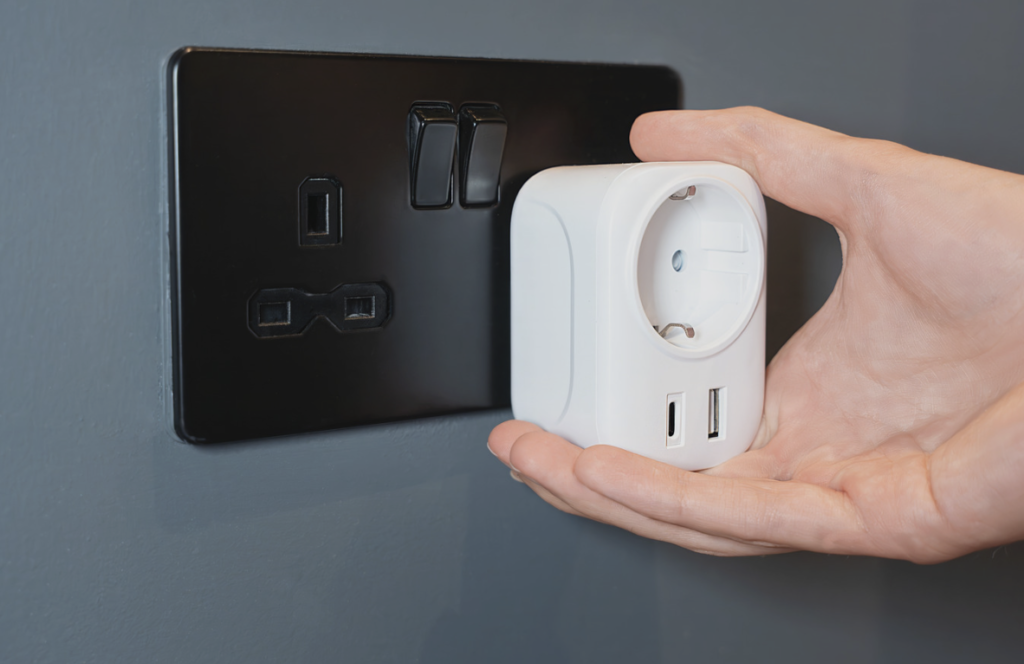
Physical placement matters too, since a bulky smart plug can block an adjacent outlet slot on a standard two-outlet wall receptacle, sometimes requiring a short extension or a plug positioned to angle away from the blocked outlet rather than straight out from the wall.
Some manufacturers address this bulk problem directly with a slimmer, low-profile design that sits closer to the wall and leaves the neighboring outlet slot fully accessible, a detail worth checking before buying several plugs for a room with limited outlet space. Reading a handful of product images showing the plug installed next to a standard outlet gives a clearer sense of its real footprint than a listed dimension alone, since the shape and angle of the prongs matter as much as the plug’s overall size.
For households setting up their first several plugs at once, doing them one at a time rather than all simultaneously tends to reduce confusion, since each plug typically needs to be selected individually within the app during the pairing process, and having several unlabeled plugs blinking at once makes it harder to identify which physical plug corresponds to which entry appearing in the app.
Voice Assistant Compatibility Across Ecosystems
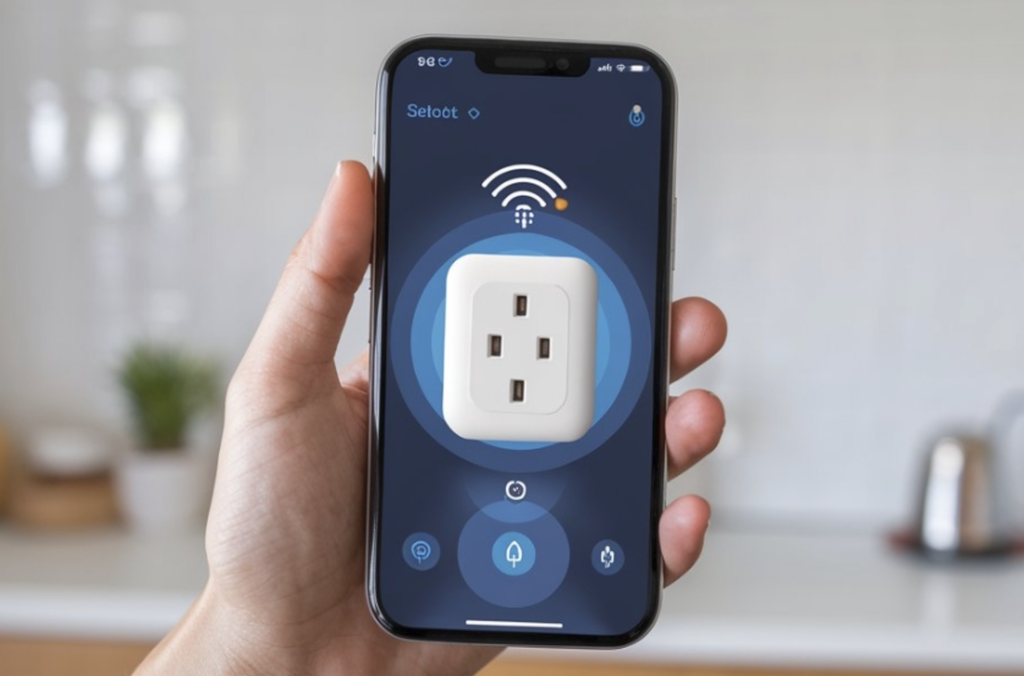
Smart plug compatibility with a household’s chosen voice assistant, whether Amazon Alexa, Google Assistant, or Apple’s HomeKit, substantially shapes which specific models make sense to buy. Most budget and mid-range smart plugs support both Alexa and Google Assistant without much fuss, since these two ecosystems represent the largest share of the smart speaker market and manufacturers build for broad compatibility by default.
HomeKit compatibility is less universal, with fewer smart plug models explicitly certified for Apple’s ecosystem, and households committed to HomeKit should check for explicit certification rather than assuming a generic plug will integrate smoothly. Matter, a newer cross-platform smart home standard backed by major manufacturers, aims to reduce this fragmentation over time by letting a single certified device work across Alexa, Google, and Apple ecosystems without separate app requirements, though adoption across existing plug models remains uneven as the standard continues to mature.
- Alexa compatibility: Broadly supported across nearly all smart plug brands, typically requiring a simple skill or account link.
- Google Assistant compatibility: Similarly broad support, often set up through the Google Home app alongside other smart devices.
- Apple HomeKit certification: Less universal, requiring specific certification that not every budget smart plug brand pursues.
- Matter standard support: An emerging cross-platform standard aiming to unify compatibility across major smart home ecosystems over time.
Households without a strong ecosystem preference yet should consider starting with a plug that supports multiple standards, preserving flexibility if the household’s smart speaker choice changes later without needing to replace already-installed plugs.
Voice command phrasing also differs slightly between ecosystems in ways that affect daily convenience. Some assistants handle natural, conversational phrasing for grouped devices more gracefully than others, while some require a more rigid, specific phrase matching exactly how a device or scene was named during setup. Testing a few common commands during initial setup, rather than assuming any reasonable phrasing will work, helps a household settle on naming conventions that feel natural for everyday use rather than fighting with an assistant that keeps mishearing a lamp’s name.
Energy Monitoring Features to Look For
Beyond basic remote control, many smart plugs now include energy monitoring, tracking how much electricity a connected device consumes over time and surfacing that data through the companion app. This feature turns a simple convenience gadget into a truly useful tool for identifying which devices quietly consume power even when not in active use, a category often called phantom or standby power draw.
Older devices like certain space heaters, older television sets, or always-on chargers left plugged in without an active device attached are common culprits for unexpected standby draw, and energy monitoring data can reveal these patterns clearly enough to justify unplugging a device entirely or replacing it with a more efficient model. Some plugs aggregate this data into simple charts showing daily or monthly usage trends, making it easier to spot a sudden increase tied to a specific appliance’s declining efficiency or a seasonal change in usage habits.
- Real-time power draw tracking: Shows current wattage being consumed by a connected device, useful for identifying unexpectedly high draw.
- Historical usage charts: Aggregates daily or monthly consumption data, revealing trends tied to seasonal use or a device’s changing efficiency.
- Standby power identification: Reveals phantom power draw from devices left plugged in without active use.
- Cost estimation tools: Some apps estimate the electricity cost associated with a specific device’s monitored usage over time.
For households curious about their overall electricity use but not ready to invest in whole-home energy monitoring hardware, a handful of strategically placed smart plugs on major appliances can offer a reasonably informative picture of where electricity is going each month in practice.
Seasonal appliances make especially good candidates for energy monitoring plugs, since a household can directly compare a space heater’s winter draw against a fan or air conditioner’s summer draw using the same tracking tool rather than guessing at seasonal cost differences from a utility bill alone. Some utility providers offer time-of-use pricing, charging different rates depending on the hour of day, and a smart plug’s historical data can help identify whether shifting a high-draw appliance’s schedule to off-peak hours would noticeably reduce its contribution to a monthly bill.
Scheduling and Automation Routines
Scheduling represents one of the most immediately useful smart plug features, letting a lamp turn on automatically at sunset or a coffee maker start brewing a few minutes before an alarm goes off each morning. Basic time-based scheduling is available on nearly every smart plug regardless of price tier, while more advanced conditional automation, such as turning on a plug only when a separate motion sensor detects activity, typically requires a plug integrated into a broader smart home hub or app ecosystem supporting these more complex routines.
Sunset and sunrise-based scheduling, calculated automatically based on a home’s location rather than a fixed clock time, adjusts naturally throughout the year without needing manual schedule updates as daylight hours shift with the seasons. This proves especially useful for exterior lighting or an interior lamp intended to create the appearance of occupancy while a household is away for an extended period.
- Fixed time scheduling: Turns a plug on or off at a specific clock time, available on essentially every smart plug regardless of price.
- Sunset and sunrise triggers: Automatically adjusts timing based on a home’s location, removing the need for manual seasonal updates.
- Away mode routines: Randomizes on and off times slightly to simulate natural occupancy patterns while a household travels.
- Multi-device group scheduling: Lets several plugs respond to a single scheduled trigger, useful for coordinating multiple lamps at once.
Away mode features, which randomize scheduled times slightly rather than triggering at the exact same minute every day, add a layer of realism to the appearance of occupancy that a rigidly fixed schedule lacks, a small detail some households value for basic home security while traveling.
Combining multiple plugs into a single scene, such as a morning routine that turns on a kitchen coffee maker while simultaneously switching off a bedroom lamp, tends to be one of the more satisfying automation setups once a household has several plugs installed. Building these scenes takes a bit of upfront time within the app, arranging devices into logical groupings that match real daily routines rather than leaving every plug controlled individually, but the resulting convenience of a single tap or voice command triggering several coordinated actions often becomes the feature households rely on most heavily after the initial novelty of remote control wears off.
Safety Certifications and Load Limits
Because a smart plug sits directly in a home’s electrical circuit, safety deserves real attention rather than an afterthought behind convenience features. Reputable smart plugs carry recognized safety certification marks confirming independent testing for fire risk, overheating, and proper electrical insulation, and buying from established brands with this certification reduces risk compared to unverified budget alternatives sold without clear safety testing documentation.
Load limits, specifying the maximum wattage or amperage a plug can safely handle, matter substantially for higher-draw appliances like space heaters or window air conditioning units. Using a smart plug rated below a connected device’s real power draw risks overheating the plug itself, and manufacturers typically print maximum load ratings clearly on the plug’s packaging or housing for exactly this reason.
- Safety certification marks: Look for recognized third-party testing certification before buying, especially from lesser-known budget brands.
- Load rating limits: Check a device’s wattage against the plug’s maximum rated load before connecting higher-draw appliances.
- Surge protection: Some smart plugs include basic surge protection, adding a layer of defense against power spikes for connected electronics.
- Heat-resistant housing materials: Quality plugs use materials rated to handle sustained heat from continuous operation without degrading over time.
High-draw appliances like space heaters are generally better suited to a dedicated smart plug specifically rated for that wattage, or in some cases better left on a standard non-smart outlet entirely, rather than assuming any smart plug can safely handle every household appliance regardless of its power draw.
Common Problems and Simple Fixes
Smart plugs occasionally run into a handful of predictable problems, most of which have straightforward fixes that don’t require replacing the device. Connectivity drops, where a plug becomes unresponsive in the app despite still receiving power, often stem from a router firmware update, a changed Wi-Fi password, or simply a plug placed too far from the router for a reliable signal. Restarting both the plug and the home router frequently resolves these connectivity issues without further troubleshooting needed.
Firmware updates, pushed periodically by manufacturers to patch bugs and occasionally add features, sometimes require a manual trigger within the app rather than installing automatically, and checking for a pending update is a reasonable first troubleshooting step when a plug begins behaving inconsistently after functioning normally for some time.
- Connectivity drops: Often resolved by restarting both the plug and the home router, especially after a password or firmware change.
- Delayed response times: Can indicate a weak Wi-Fi signal at the plug’s location, sometimes fixed by relocating a router or adding a mesh node nearby.
- App recognition failures: Occasionally requires removing and re-adding the device within the app rather than a simple restart.
- Scheduling that doesn’t trigger: Often traced to an incorrect time zone setting or a phone’s location permission affecting sunset and sunrise calculations.
Persistent problems that survive basic troubleshooting sometimes point toward a specific plug model’s known compatibility issue with certain router brands or firmware versions, information often available through a quick search of the manufacturer’s support documentation or community forums dedicated to that specific smart home ecosystem.
Final Thoughts
A smart plug offers an outsized return on a small investment, turning ordinary lamps and appliances into scheduled, remotely controlled, and monitored devices without requiring any specialized wiring or a full smart home system.
Choosing the right plug comes down to matching voice assistant compatibility with a household’s existing ecosystem, checking load ratings against specific appliances, and deciding whether energy monitoring data adds enough value to justify a slightly higher price point.
Simple troubleshooting resolves most connectivity issues that arise over time, and safety certification remains worth checking regardless of how tempting a cheaper unverified option might look.
For a first step into home automation, few products deliver as much practical benefit for as little cost and complexity as a well-chosen smart plug.
Frequently Asked Questions
Do smart plugs work with any electrical outlet?
Most smart plugs are designed for standard household outlets and work in nearly any home, though the physical size of some models can partially block an adjacent outlet slot on a two-outlet receptacle.
Can a smart plug control a device that has its own power button?
Yes, but the device’s own power button typically needs to remain in the on position, since the smart plug controls power delivery to the outlet rather than overriding a device’s internal switch.
Are smart plugs safe to leave connected to appliances long-term?
Reputable, safety-certified smart plugs are designed for continuous long-term use, provided the connected device’s wattage stays within the plug’s rated load limit and the plug itself isn’t showing signs of physical damage or wear.
Do smart plugs use much electricity themselves while idle?
Smart plugs draw a small amount of standby power to maintain their Wi-Fi connection, though this amount is minimal compared to most household appliances they control.
Can multiple smart plugs be grouped together for a single command?
Yes, most companion apps allow grouping several plugs under one name or scene, letting a single voice command or scheduled trigger control multiple devices simultaneously, which simplifies routines that would otherwise require several separate commands.
What happens to a smart plug’s schedule during an internet outage?
Basic on and off schedules stored locally on many smart plugs continue to function during an internet outage, though voice control and remote app access remain unavailable until connectivity returns, and any cloud-dependent conditional automation tied to another smart device may pause until the connection is restored.