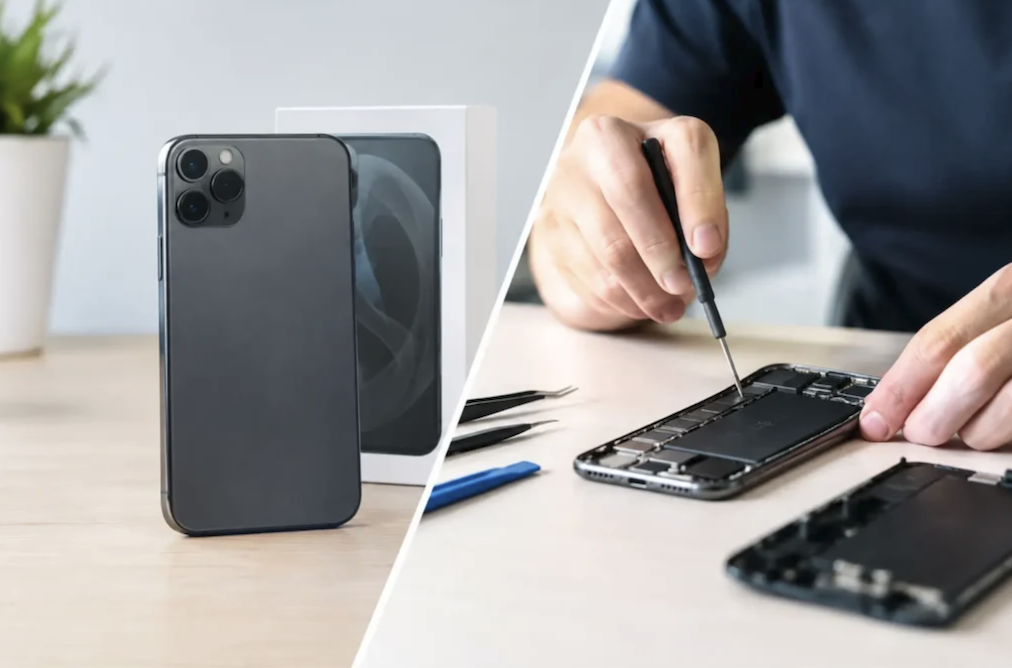
A cracked screen, a battery that no longer lasts through the afternoon, or a phone that suddenly refuses to charge all raise the same practical question: is it worth fixing, or has the device reached the point where a replacement makes more sense.
The answer depends on more than just the repair estimate, touching on the phone’s age, how the damage happened, what data is at risk, and how the decision fits into a longer pattern of device ownership rather than a single isolated repair bill.
Common Damage Types and Repair Costs
Screen damage remains the most frequent reason people consider a phone repair, ranging from a small crack in the corner that doesn’t affect functionality to a fully shattered display that makes the phone difficult to use safely. Repair costs for screen replacement vary substantially based on phone model, with older or more common models typically costing less to repair than the newest flagship devices, partly due to parts availability and partly due to the more complex, tightly integrated components found in premium recent models.
Battery replacement represents another common repair, addressing the gradual capacity loss every rechargeable battery experiences over repeated charge cycles. This repair is often less expensive than screen replacement and can noticeably extend a phone’s useful life if the battery has become the primary limiting factor in an otherwise functional device. Water damage repairs are the least predictable category, since the extent of internal corrosion isn’t always visible from the outside, and a phone that appears to work immediately after water exposure can develop additional problems over the following days or weeks as corrosion continues to spread internally.
- Screen replacement: The most common repair, with cost varying substantially based on phone model age and display technology.
- Battery replacement: Often less expensive than screen repair and can restore worthwhile daily usability to an older phone.
- Charging port repair: Addresses connection issues that prevent reliable charging, often caused by debris buildup or worn internal connectors.
- Water damage assessment: The least predictable repair category, since internal corrosion may not be immediately visible after exposure.
Camera and speaker repairs, while less common than screen or battery issues, typically cost less than a full screen replacement but still require professional service given how tightly these components integrate with a phone’s internal structure on most modern devices. Repair pricing also shifts depending on whether original manufacturer parts or aftermarket alternatives are used.
Manufacturer-authorized repair centers typically charge more but use components tested and approved to match the original device’s specifications closely, while independent repair shops often offer lower prices using aftermarket parts that vary in quality between suppliers. Some independent shops source high-quality aftermarket screens nearly indistinguishable from original parts in daily use, while others use noticeably lower-quality panels with dimmer brightness or less accurate color reproduction, making it worth asking specifically what parts a shop uses before committing to the lowest quoted price.
Getting a second repair estimate from a different provider, especially for a more expensive repair like a full logic board issue, can reveal a worthwhile price difference between shops for what amounts to the same underlying repair, since labor rates and parts markup both vary substantially between independent shops, manufacturer-authorized centers, and mail-in repair services.
Aging Batteries and Performance Over Time
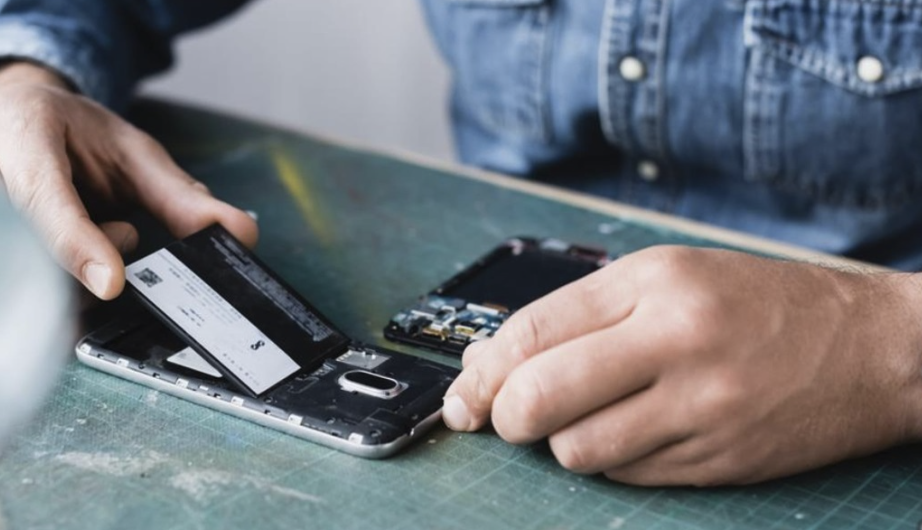
Every lithium-ion battery, regardless of the device it powers, loses some maximum capacity with each charge cycle, and phone batteries are no exception. This gradual decline shows up as shorter time between charges, a phone that unexpectedly shuts down at a battery percentage that should still have power remaining, or a device that struggles to maintain performance during demanding tasks like gaming or navigation while unplugged.
Manufacturers, including Apple and most major Android brands, have implemented software-based battery health reporting that gives owners a rough sense of remaining battery capacity compared to when the phone was new. This data provides a useful data point for deciding whether a battery replacement alone would resolve most of a phone’s performance complaints, or whether other aging components suggest the phone has reached a point where a full replacement makes more sense than addressing the battery in isolation.
- Battery health percentage: Built-in software reporting on most modern phones estimates remaining capacity compared to the battery’s original condition.
- Unexpected shutdowns: A phone shutting down well above zero percent battery often indicates a battery no longer able to supply peak power demands.
- Charging speed changes: A battery nearing end of life sometimes charges more slowly or generates more heat than it did when new.
- Performance throttling: Some phones automatically reduce processing speed to compensate for a degraded battery’s reduced power delivery capability.
A battery replacement costs substantially less than a new phone in nearly every case, making it one of the most cost-effective repairs available when battery degradation, rather than screen damage or a broken component, is the primary complaint driving the repair-or-replace decision. Charging habits also influence how quickly a battery ages, though the specific practices that matter most have shifted somewhat as battery management software has improved on modern phones.
Keeping a phone plugged in overnight is far less damaging than it once was, since most current phones include software that manages charging current intelligently once the battery nears full capacity, avoiding the prolonged high-voltage stress that accelerated wear on older devices without this protection. Extreme heat remains one of the more damaging conditions for battery longevity, making a phone left in a hot car or in direct sun for extended periods a far worse habit for long-term battery health than an occasional overnight charge.
Data Backup Before Any Repair Decision

Regardless of which repair or replacement path a phone owner chooses, securing data before handing a device over for any kind of service work protects against the worst-case outcome of a repair gone wrong or a decision to simply replace a device that no longer justifies its repair cost. Cloud backup services, built into both major mobile operating systems, automatically preserve photos, contacts, messages, and app data given a reasonably reliable internet connection and sufficient storage allocation.
Local backup to a computer offers an alternative or supplementary approach, especially valuable for anyone concerned about cloud storage costs or wanting a backup that doesn’t depend on an internet connection to restore. Confirming that a backup completed successfully, rather than assuming an automatic process worked without verification, avoids the unpleasant discovery of a failed or incomplete backup only after a phone has already been damaged beyond recovery.
- Cloud backup verification: Confirming a recent backup completed successfully before any repair work, rather than assuming automatic backup always succeeds.
- Local computer backup: An alternative approach for anyone wanting a copy that doesn’t rely on cloud storage or an internet connection to restore.
- App-specific data exports: Some apps store data separately from a phone’s general backup system, requiring individual export for full protection.
- Physical SIM and eSIM considerations: Confirming how to transfer phone service to a new or repaired device avoids an unexpected loss of connectivity.
Photos and videos represent the data most people care about protecting most urgently, since messages and contacts are often recoverable through a carrier or service provider, while irreplaceable personal photos exist only on the device and its backup unless deliberately preserved elsewhere in advance.
Warranty and Insurance Coverage Options
Checking existing warranty and insurance coverage before paying for a repair out of pocket can save substantial money, especially for damage that occurred within a manufacturer’s standard warranty period or under a separately purchased protection plan. Manufacturer warranties typically cover manufacturing defects but exclude accidental damage like a cracked screen from a drop, which requires a separate accidental damage protection plan to cover.
Carrier-offered device protection plans and third-party insurance policies vary substantially in coverage terms, deductible amounts, and claim limits, making it worthwhile to review the specific policy details rather than assuming coverage extends to every kind of damage a phone might realistically experience. Some credit cards also offer limited purchase protection covering accidental damage for a set period after a purchase made with that card, an often-overlooked coverage source worth checking before assuming a repair must be paid entirely out of pocket.
- Manufacturer warranty coverage: Typically covers defects but excludes accidental damage like drops or liquid exposure.
- Extended protection plans: Purchased separately, often covering accidental damage with a deductible per claim.
- Carrier device insurance: Monthly fee-based coverage through a mobile carrier, with terms varying substantially between providers.
- Credit card purchase protection: Some cards offer limited accidental damage coverage for purchases made within a specific timeframe.
Filing a claim promptly after damage occurs, and keeping documentation like the original purchase receipt, helps avoid disputes over coverage eligibility when working through a warranty or insurance claim process. Photographing the damage immediately after it happens, before any repair attempt, also provides useful evidence if a claim is later disputed or requires additional verification from an insurer or carrier.
Environmental Impact of Repair Versus Replacement
Beyond the financial calculation, repairing a phone rather than replacing it reduces the environmental footprint associated with manufacturing a new device, which requires mining raw materials, assembling components across a global supply chain, and eventually disposing of or recycling the replaced phone. Extending a phone’s usable life through repair delays this manufacturing cycle, and manufacturers and repair advocates increasingly highlight this environmental benefit alongside the more straightforward financial case for repair.
Proper disposal or recycling of a phone that does get replaced also matters environmentally, since phones contain materials that shouldn’t end up in general landfill waste. Many manufacturers and retailers now offer trade-in or recycling programs specifically designed to responsibly process old devices, sometimes offering a modest credit toward a new purchase in exchange for an old phone regardless of its working condition.
- Repair extends device lifespan: Delays the environmental cost of manufacturing a replacement device and its eventual disposal.
- Manufacturer trade-in programs: Offer credit toward a new purchase while ensuring an old device is responsibly recycled or refurbished.
- Certified refurbished options: Provide a middle path, offering a functionally restored device at a lower cost and environmental footprint than new.
- Component recycling: Even non-functional phones contain recoverable materials, making proper recycling preferable to general waste disposal.
Households weighing repair against replacement partly on environmental grounds should also consider that a repair using manufacturer-approved, quality replacement parts tends to extend a phone’s useful life more reliably than a repair using lower-quality aftermarket components, which can fail again sooner and ultimately lead to the same replacement decision after an additional repair expense.
Signs That Point Toward a New Device
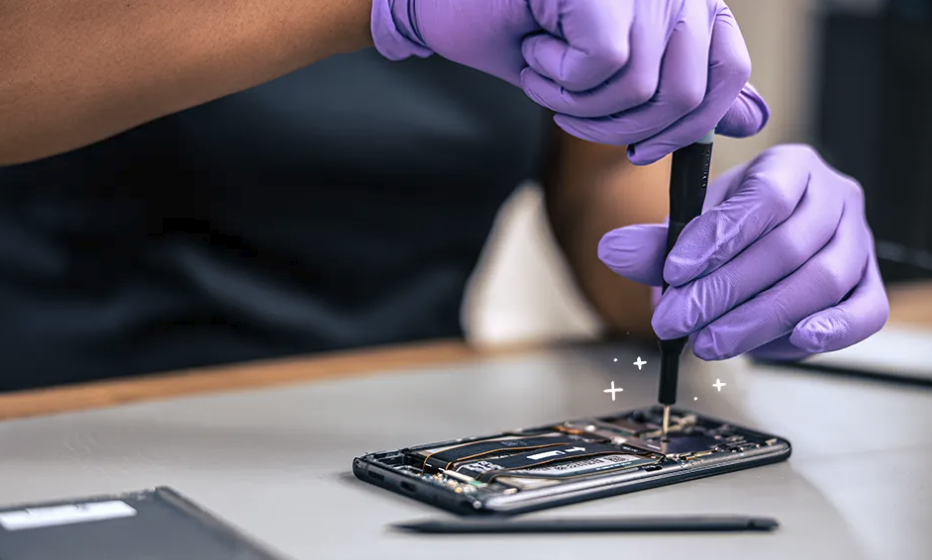
Certain patterns suggest that repair, even when technically possible, no longer represents the better financial or practical choice. A phone requiring multiple simultaneous repairs, such as a cracked screen alongside a failing battery and a damaged charging port, often costs close to or more than a comparable replacement device once every needed repair is tallied together, making a new phone the more sensible choice despite the higher single upfront cost.
Software support represents another important signal, since manufacturers eventually stop providing security updates and new app compatibility for older phone models regardless of the hardware’s physical condition. A phone still working well physically but no longer receiving security updates carries increasing risk over time, and this software end-of-life timeline is worth checking against a phone’s specific model before investing in a costly hardware repair for a device approaching that cutoff.
- Multiple simultaneous repairs needed: When combined repair costs approach a replacement device’s price, a new phone often becomes the more practical choice.
- End of software support: Phones no longer receiving security updates carry growing risk regardless of physical hardware condition.
- Repeated failures of the same component: A part that fails again shortly after a previous repair may indicate a deeper underlying issue not worth continuing to address.
- Substantial capability gaps: An older phone lacking features now considered essential, like adequate storage or camera quality, may justify replacement even without a specific hardware failure.
Age alone isn’t a reliable single indicator, since a well-maintained phone from several years ago can remain perfectly serviceable, while a much newer phone with compounding issues might already justify replacement, making it worth evaluating a phone’s real condition and remaining software support window rather than relying on age as a simple shortcut. Checking a manufacturer’s published software support timeline for a specific model, when available, offers a more concrete data point than guessing based on general assumptions about how long phones typically remain supported.
Final Thoughts
Deciding between phone repair and replacement comes down to weighing the specific damage against the phone’s age, remaining software support, and the true combined cost of every repair truly needed rather than just the first issue noticed.
A single, contained problem like a battery or screen almost always favors repair, while multiple compounding issues or an approaching software end-of-life date shift the calculation toward replacement.
Backing up data before any repair or replacement protects against the worst outcomes regardless of which path gets chosen. Considering environmental impact alongside cost adds another reasonable factor favoring repair when it remains a practical option.
Taking a clear-eyed look at the full picture, rather than reacting to a single repair estimate in isolation, leads to the decision that best serves both the wallet and the phone’s remaining useful life.
Read more about TechNewWeb
Frequently Asked Questions
Is it usually cheaper to repair a phone or replace it?
Repair is typically cheaper for a single, isolated issue like a cracked screen or a worn battery, while replacement often becomes more cost-effective once multiple repairs are needed simultaneously or the phone is near the end of its supported software lifespan, so tallying every needed fix together gives the clearest comparison.
Does using a third-party repair shop void a phone’s warranty?
Policies vary by manufacturer and region, and some warranties are voided by non-authorized repairs while others remain intact, so checking specific manufacturer policy before choosing a repair provider is worthwhile and can save an unpleasant surprise later.
How can I tell if my phone’s battery needs replacing?
Checking a phone’s built-in battery health reporting feature, alongside noticing unexpected shutdowns or a much shorter time between charges than when the phone was new, are reliable indicators that battery replacement is worth pursuing.
What should I do with my old phone after replacing it?
Trading it in through a manufacturer or retailer program, selling it if still functional, or using a certified recycling program are all preferable options to simply discarding a phone in general household waste.
Are certified refurbished phones a good alternative to buying new?
Certified refurbished phones, tested and often warrantied by the seller or manufacturer, can offer solid value and a lower environmental footprint compared to a brand-new device, provided they come from a reputable, transparent seller with a clear return policy.
Should water damage always be treated as a total loss?
Not necessarily, since prompt professional cleaning and repair can sometimes save a water-damaged phone, though the unpredictable nature of internal corrosion means some water-damaged devices develop additional problems even after an initial successful repair, sometimes weeks later.