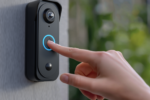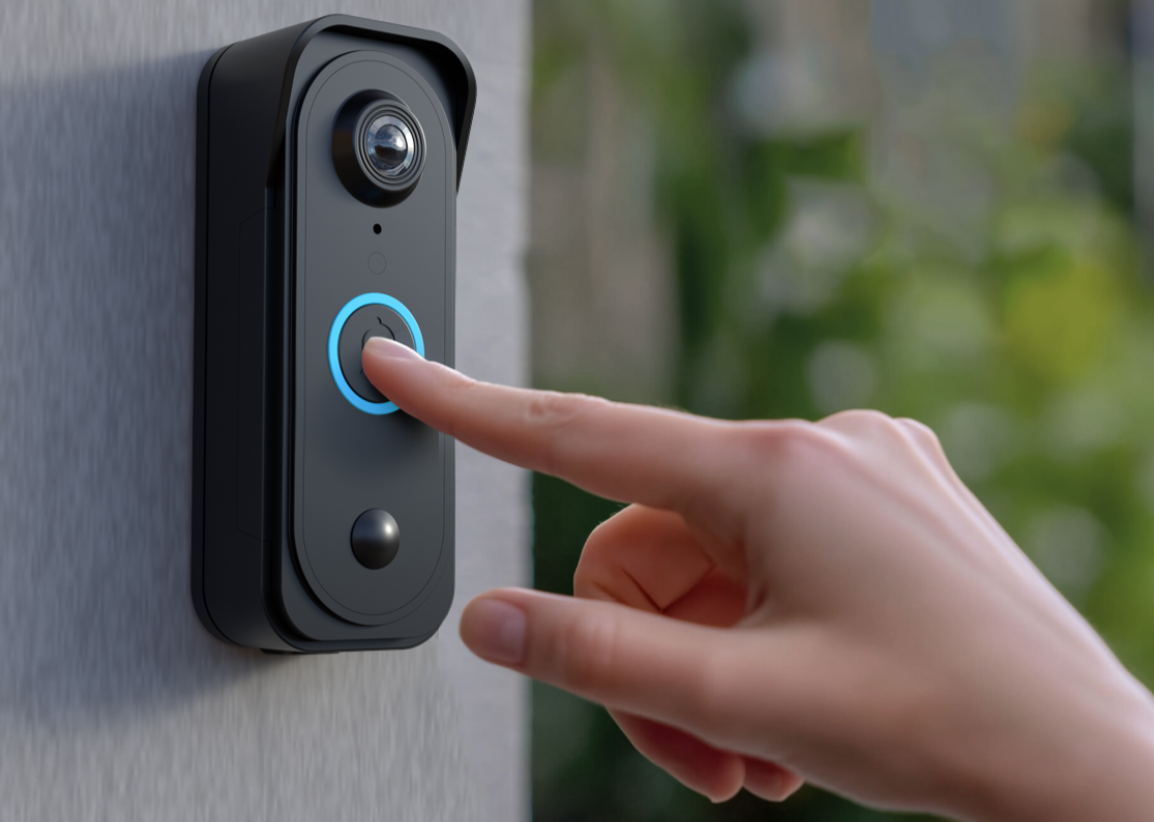
A smart doorbell sits at an odd intersection of convenience and surveillance, watching a public sidewalk, a private porch, and often a neighbor’s yard all at once. Millions of households have added one in recent years, drawn by the ability to see who’s at the door from a phone screen, but the decision involves more than picking a camera with a sharp picture.
Video quality, storage policy, and privacy settings all shape whether a doorbell becomes a helpful daily tool or an ongoing source of unease.
Video Quality and Field of View
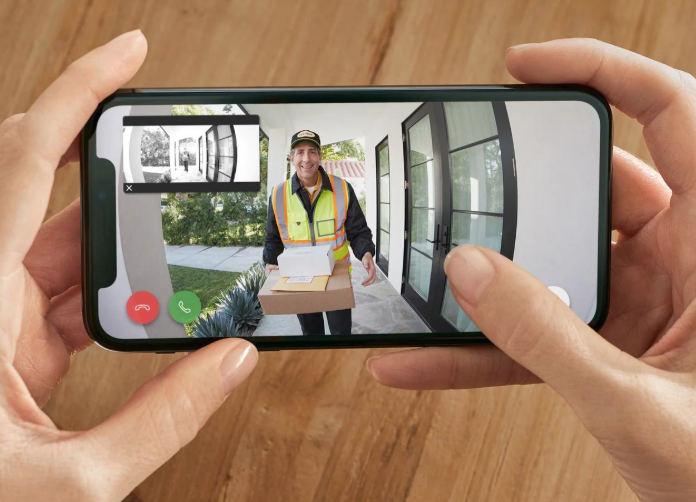
Resolution numbers on a doorbell box tell only part of the story. A camera rated at a high resolution can still produce a disappointing picture if its lens has a narrow field of view, cropping out a package left just outside the frame, or if its low-light performance leaves nighttime footage grainy and hard to identify. Brands like Ring, Nest, and Arlo each take slightly different approaches to balancing these factors.
A wider field of view captures more of a porch and walkway but can introduce more distortion at the edges of the frame, sometimes called a fisheye effect. Vertical field of view matters as much as horizontal for a doorbell mounted at chest height, since a visitor’s face and a package on the ground are at very different angles from the lens. Manufacturers have responded with taller, narrower sensor shapes designed specifically to capture a full head-to-toe view along with anything left at the doorstep.
- Horizontal field of view: Determines how much of the porch and side yard the camera captures in a single frame.
- Vertical or head-to-toe framing: Newer designs capture a visitor’s full body and any packages on the ground simultaneously.
- HDR processing: Balances bright sky and shaded porch areas so faces aren’t lost in overexposed or underexposed regions.
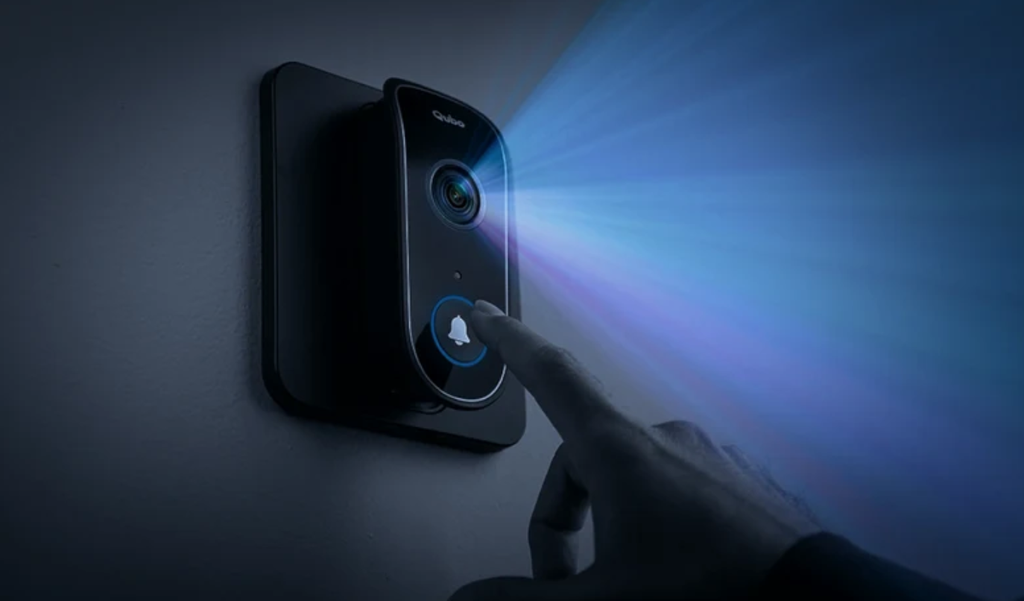
- Color night vision: Some higher-end models use additional illumination to capture color footage after dark rather than the traditional black-and-white infrared image.
Frame rate and motion smoothness also affect how usable footage is after the fact. A choppy, low-frame-rate clip makes it harder to identify a passing car’s license plate or a visitor’s face in motion, which matters most in the moments when clear footage is needed most.
Lens placement and sensor size interact with weather in ways that don’t show up on a spec sheet. A doorbell mounted under a shallow overhang can collect rain droplets directly on the lens during a storm, blurring footage at exactly the moments a household might most want a clear view of the porch. Some manufacturers address this with a small hood or angled housing designed to shed water away from the lens, a detail worth checking for homes without deep porch coverage. Direct afternoon sun hitting the lens can also cause temporary glare or washed-out footage, so orientation relative to the sun’s path across the day is worth considering during installation rather than treating placement as purely a matter of doorframe convenience.
Two-way audio quality varies more between brands than many buyers expect, with some doorbells producing tinny, delayed audio that makes conversations with a delivery driver or visitor feel stilted. A short delay between speaking and the visitor hearing a reply is common across nearly all models due to network transmission, but the length of that delay and the clarity of the speaker itself differ enough between product lines that a quick demo video or in-store test can reveal real differences before committing to a purchase.
Storage Options for Recorded Footage
Where and how long footage is kept varies substantially across brands, and this single detail affects both cost and privacy. Cloud storage, offered as a subscription by Ring, Nest, and most competitors, uploads clips to remote servers, making them accessible from anywhere but tying continued access to an ongoing monthly or annual fee. Local storage, either through a memory card slot or a separate hub with built-in storage, keeps footage physically in the home and avoids recurring charges, though it typically offers less remote redundancy if the device itself is damaged or stolen.
Retention windows differ by plan tier, with basic subscriptions often keeping clips for a week or two and premium tiers extending that to a month or more. Buyers who want to review footage from a specific date, rather than just recent activity, should check retention length carefully rather than assuming a longer history is included by default.
Bandwidth usage is another practical factor tied to storage choice. Cloud-based doorbells continuously upload short clips whenever motion triggers a recording, which can add up over a month for a busy household near a sidewalk or shared driveway with frequent passing traffic. Homes with metered or limited internet plans, especially in rural areas served by satellite or fixed wireless connections, should factor this ongoing upload traffic into their decision, since a doorbell recording dozens of clips a day can noticeably add to monthly data usage. Local storage avoids this upload requirement almost entirely, since footage is written directly to a card or hub rather than pushed to a remote server, though reviewing that footage remotely away from home still typically requires some data transfer through the companion app.
- Cloud subscription plans: Store footage remotely and typically add features like person detection and package alerts for a monthly fee.
- Local memory card storage: Keeps recordings on-device without a subscription, though total capacity and clip length are more limited.
- Hybrid storage systems: Some Arlo and Eufy models combine local storage with an optional cloud backup for added redundancy.
- Free tier limitations: Many brands offer only live view without recording on a free plan, requiring a paid tier for any saved clip history.
Privacy Settings Worth Reviewing
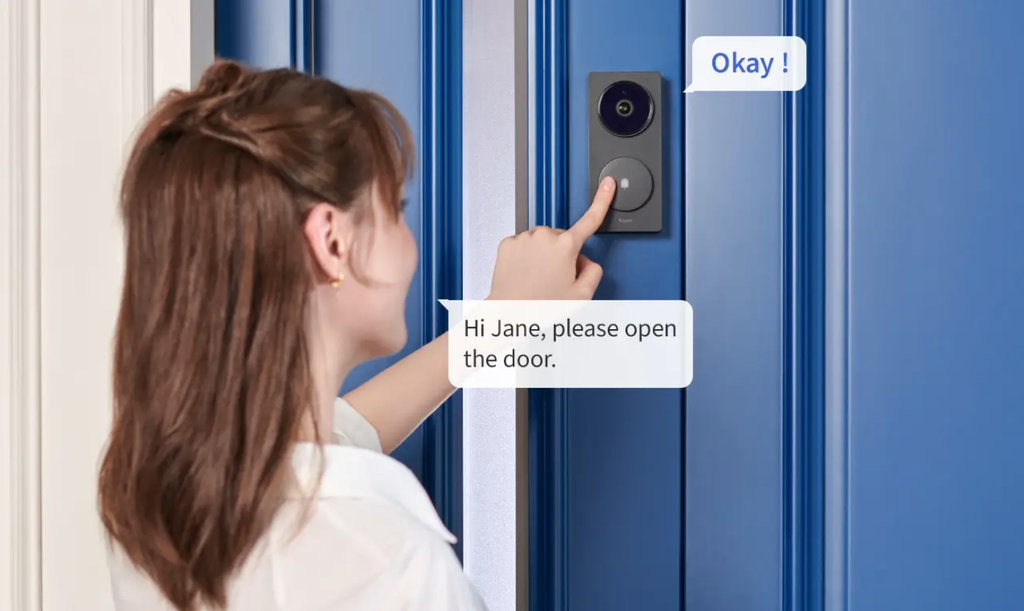
Because a doorbell camera often captures a public sidewalk or a neighbor’s property along with a homeowner’s own porch, privacy settings deserve deliberate attention rather than a quick setup and forget approach. Most apps include a privacy zone feature, letting an owner mask out a section of the frame, such as a neighbor’s window or a shared driveway, so that area is blurred or excluded from recordings entirely.
Motion zone customization reduces both privacy concerns and notification fatigue, letting an owner limit recording triggers to the immediate porch area rather than every passing car or pedestrian on a public street. This also has a practical side benefit, since narrowing motion zones cuts down on false alerts that make people less likely to check notifications at all.
- Privacy zones: Masks specific areas of the camera frame, such as a neighbor’s window, from both live view and recorded footage.
- Motion zone limits: Restricts recording triggers to a defined area like the porch rather than the entire street.
- Audio recording toggles: Many jurisdictions have specific rules about recording audio, so some owners choose to disable microphone capture entirely.
- Account access sharing: Lets a household grant limited access to family members without sharing the primary account password.
Some communities have specific rules about camera placement and sharing footage of neighboring properties, and checking local guidance before installation can prevent friction with neighbors down the line.
Several manufacturers have introduced neighborhood-sharing features that let users post clips to a local social feed, flagging suspicious activity or a missing pet to nearby households. These features raise their own privacy tradeoffs, since a clip shared publicly can spread far beyond the original neighborhood and may capture bystanders who never consented to appearing in a shared post.
Households that want the security benefit of a camera without participating in a broader sharing network can typically disable these community features in the app settings while keeping standard recording and notifications active. Reviewing exactly which permissions a doorbell app requests, including location access and contact list access, is worth a few minutes during setup rather than accepting every default prompt without a second look.
Installation Considerations Before You Buy
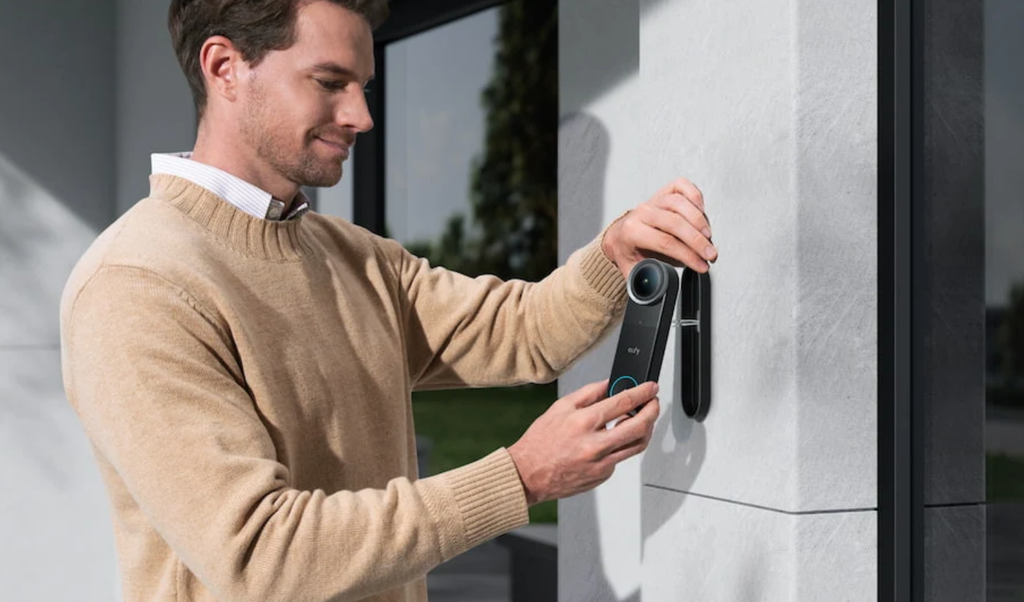
Physical installation constraints often decide which doorbell models are even viable options before video quality or privacy features come into play. Wired doorbells connect to a home’s existing low-voltage doorbell transformer, which needs to supply enough power for the camera’s electronics, and older homes sometimes have wiring that isn’t compatible without an added adapter or transformer upgrade.
Battery-powered doorbells sidestep wiring entirely, mounting with screws or adhesive and recharging by removing the unit periodically. This simplicity appeals to renters who can’t modify wiring, though it introduces a recurring task of tracking battery levels and finding time to recharge without leaving the front door uncovered for too long.
- Exsting wiring compatibility: Older homes may need a transformer upgrade to supply enough power for a wired video doorbell.
- Mounting angle and height: Improper angle can miss faces or capture mostly sky, reducing the usefulness of recorded footage.
- Wi-Fi signal strength at the door: A weak connection near the entryway can cause dropped live views and delayed notifications.
- Renter-friendly options: Battery-powered models avoid permanent wiring changes, an important factor for apartment dwellers.
Wi-Fi range deserves specific attention, since a front door is often the farthest point from a home’s router. A doorbell with a weak connection can miss motion events, delay notifications, or fail to load live video exactly when it matters most, which is a common source of buyer frustration that has little to do with the camera itself. Adding a mesh Wi-Fi node or a dedicated extender near the entryway before installation can resolve a surprising share of the complaints attributed to a doorbell’s hardware, since the underlying issue is often network coverage rather than the camera’s radio.
Doorbell chime compatibility is a smaller but relevant detail for homes replacing an older wired doorbell. Some smart doorbells work fine with an existing mechanical chime, while others require a digital adapter or disable the old chime entirely in favor of app notifications and a plug-in wireless chime unit. Checking compatibility with the existing chime hardware before installation avoids an unpleasant surprise of a doorbell that rings a phone but leaves the house silent for anyone without their device nearby.
Comparing Subscription Plans Across Brands
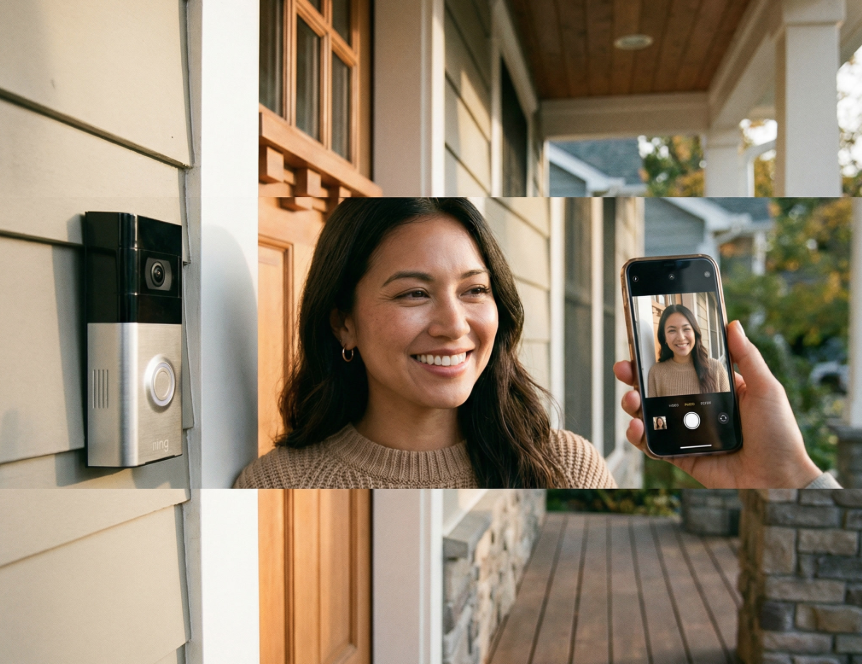
Subscription pricing has become one of the more confusing aspects of shopping for a smart doorbell, since features that used to come standard, such as person detection or extended clip history, are increasingly gated behind a paid plan. Ring’s subscription unlocks video recording and storage, while a doorbell without an active plan is often limited to live viewing only. Nest ties many of its smarter detection features, like package and vehicle recognition, to a Nest Aware subscription. Arlo similarly offers tiered plans that add features like smart alerts and extended history.
Buyers should factor the ongoing subscription cost into the total price of ownership rather than focusing only on the upfront hardware cost, since a lower-priced doorbell with an expensive mandatory subscription can end up costing more over several years than a pricier model with a modest or optional plan. Some brands, including certain Eufy models, market themselves specifically around subscription-free operation with local storage, appealing to buyers who want to avoid recurring fees entirely.
Multi-camera households see the biggest cost difference between plans, since some subscription tiers cover an entire home’s cameras under one fee while others charge per device. A household planning to add several cameras over time should check whether a whole-home plan is available before committing to a single-camera subscription that would need to be repeated for every additional unit.
Battery Versus Wired Models
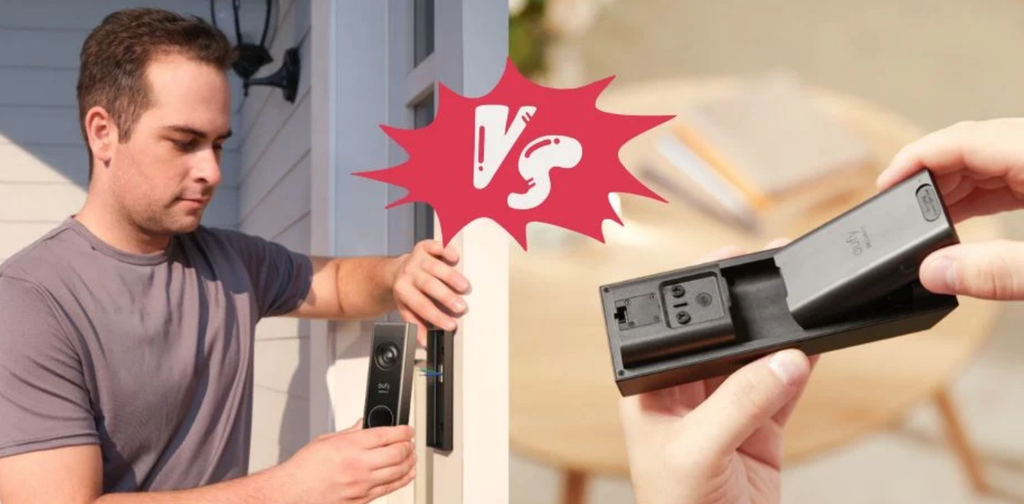
The choice between battery and wired power extends beyond simple installation convenience into daily reliability and long-term maintenance. Wired doorbells draw continuous power, which generally supports more consistent live view streaming and reduces the risk of a dead battery leaving the front door uncovered during a busy week. Battery models offer flexibility and easier installation but require periodic recharging, with frequency depending heavily on how much motion activity and live view usage a household generates.
Some manufacturers offer a hybrid approach, allowing a battery-powered doorbell to connect to existing low-voltage wiring for trickle charging, extending the interval between manual recharges substantially while retaining the flexibility of a removable battery pack for troubleshooting. This middle path has become popular among buyers who want the reliability of wired power without fully committing to a wired-only installation.
Cold climates add another consideration, since battery performance in doorbell cameras can decline in freezing temperatures, sometimes requiring more frequent recharging during winter months. Homes in colder regions may find wired models, or hybrid setups with trickle charging, a more dependable choice through the coldest parts of the year. Removing a battery pack in sub-freezing weather to recharge it indoors, then reinstalling it, is a workaround some owners in harsh climates adopt rather than leaving the unit outdoors on a slow trickle charge through an entire cold snap.
Final Thoughts
Choosing a smart doorbell means weighing video quality, storage policy, and privacy settings together rather than focusing on a single spec. A sharp picture matters little if footage disappears after a few days on a free plan, and a generous subscription means little if privacy zones can’t keep a neighbor’s window out of frame. Installation constraints, whether wiring compatibility or Wi-Fi strength at the door, often narrow the realistic choices before video features even enter the conversation.
Taking time to review subscription costs over several years, rather than just the initial hardware price, gives a clearer sense of what a doorbell costs and delivers in practice. The best choice is the one that fits a household’s wiring, budget, and comfort with recording shared outdoor spaces.
Frequently Asked Questions
Do smart doorbells work without an internet connection?
Live view, notifications, and cloud recording all require an active internet connection, though some models with local storage can still record clips to a memory card during a temporary outage, viewable later once connectivity returns.
Can neighbors object to a doorbell camera pointed at shared spaces?
Yes, and many people choose to use privacy zones to mask views of a neighbor’s property or shared driveway, both as a courtesy and to reduce potential disputes over recorded footage.
How long does a battery-powered doorbell last between charges?
Battery life varies widely based on motion frequency and live view usage, with typical ranges spanning one to three months under moderate use, though high-traffic entryways may need more frequent charging.
Are subscription-free doorbells a realistic option?
Several brands offer local storage options that avoid a mandatory subscription, though some smart detection features like package recognition may be limited or unavailable without a paid plan.
What happens to recorded footage if a doorbell is stolen?
Cloud-stored footage typically remains accessible through the account even if the physical device is taken, while footage stored only on a local memory card inside the device would be lost along with the unit.
Do smart doorbells deter package theft effectively?
Visible cameras and audio warnings can discourage some opportunistic theft, though a determined individual can still remove a package quickly, so a doorbell is best treated as one part of a broader porch security approach rather than a complete solution. Pairing a camera with a delivery instruction to leave packages out of direct street view adds a further layer of deterrence.